Imagine it.Make it real.
Create stunning images and videos with Seedream, Seedance and LongCat. Pick a mode, shape your idea, and create.
10 FREE CREDITS ON SIGN-UP

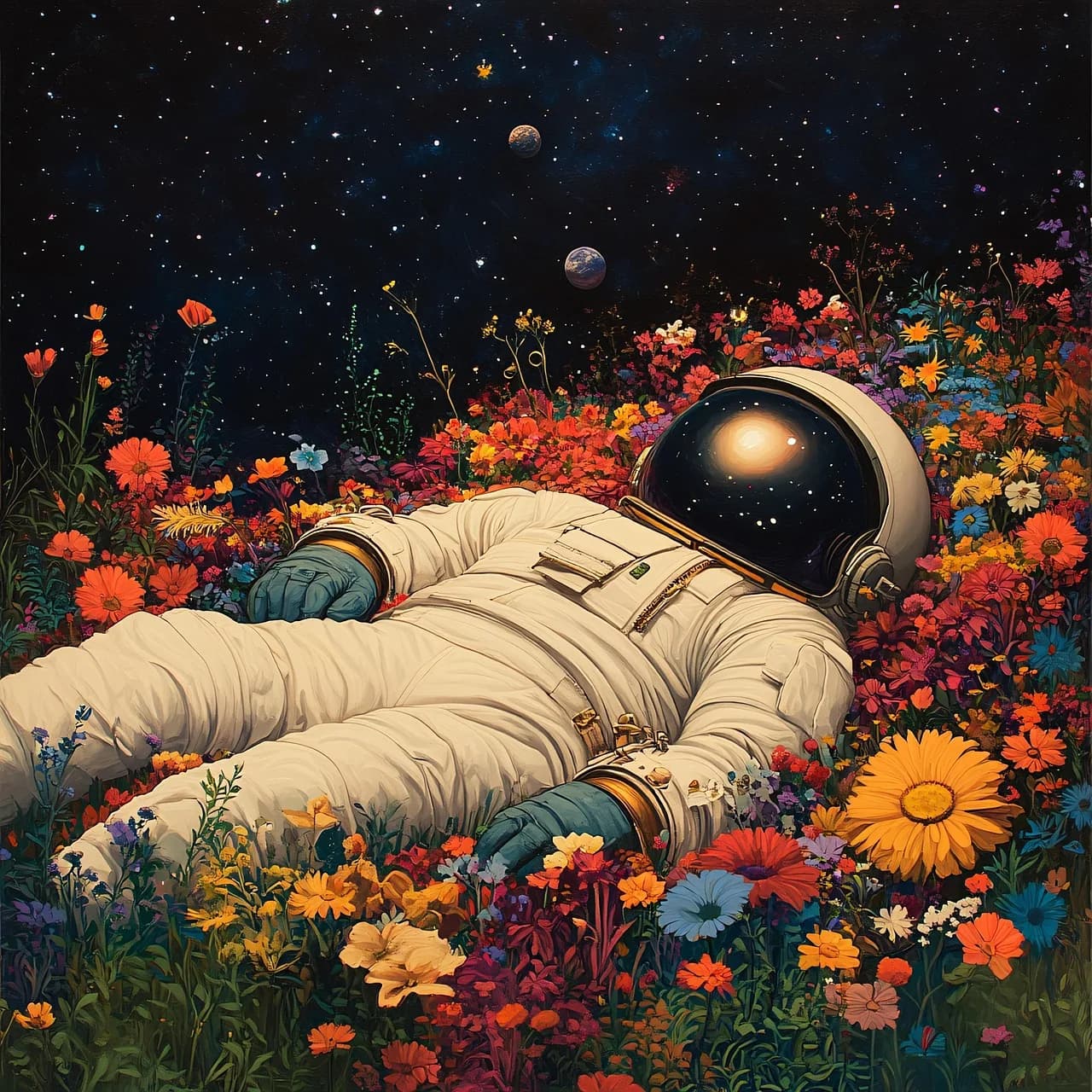
Studio workspace
CURATED VISUALS
Worlds worth wandering into.
Neon figures, impossible gardens and motion shaped by light.

Watercolor forest fairy
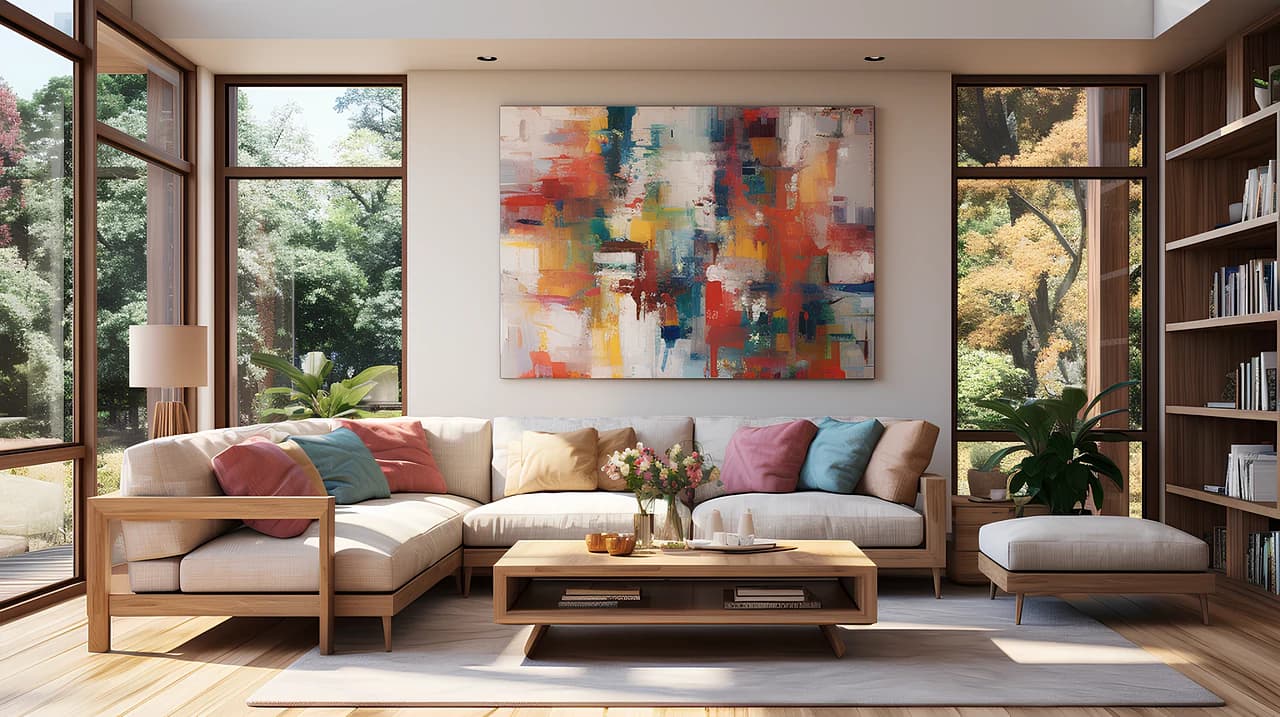
Sunlit interior concept
Neon ride

Friends at the treehouse
Jellyfish in slow orbit

A retro future

A storm inside a glass

Perfume in pink

City of color
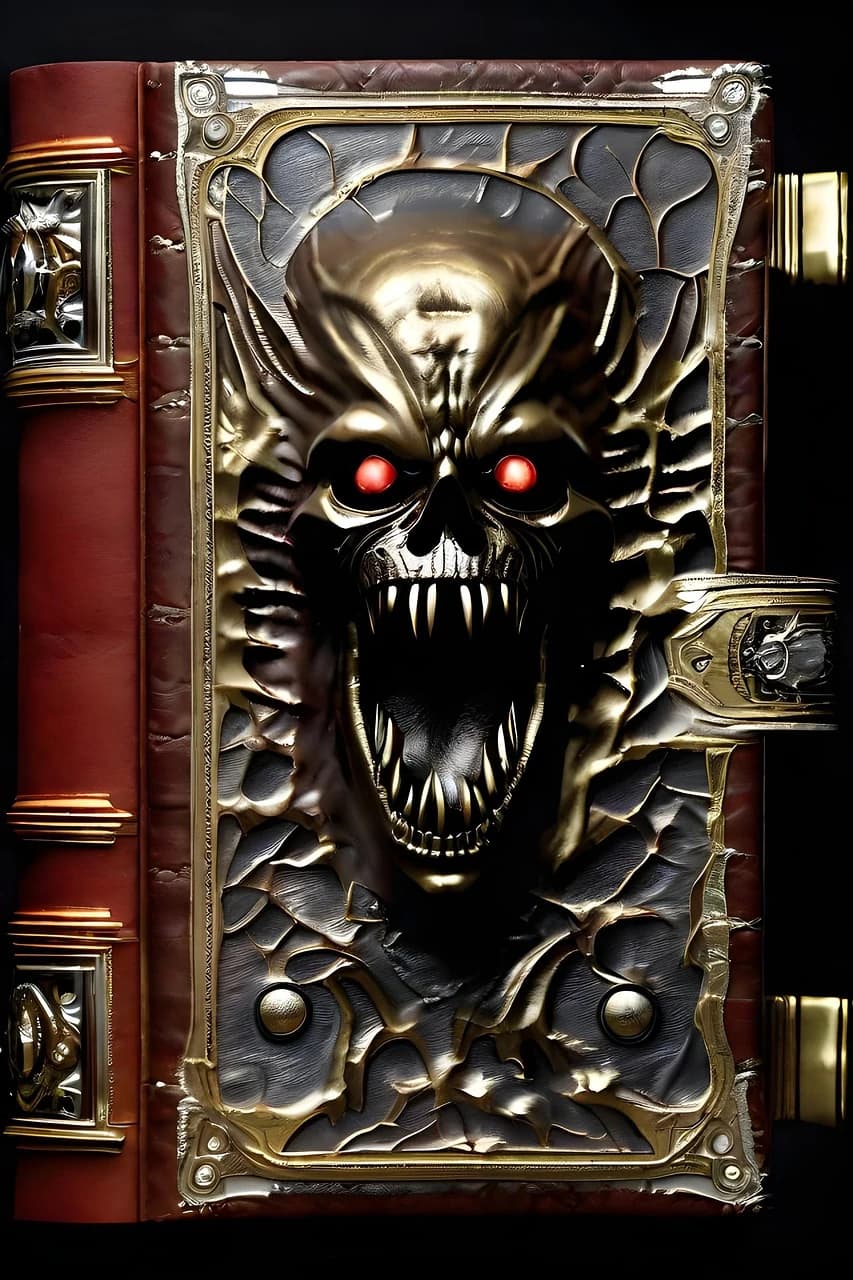
The enchanted grimoire
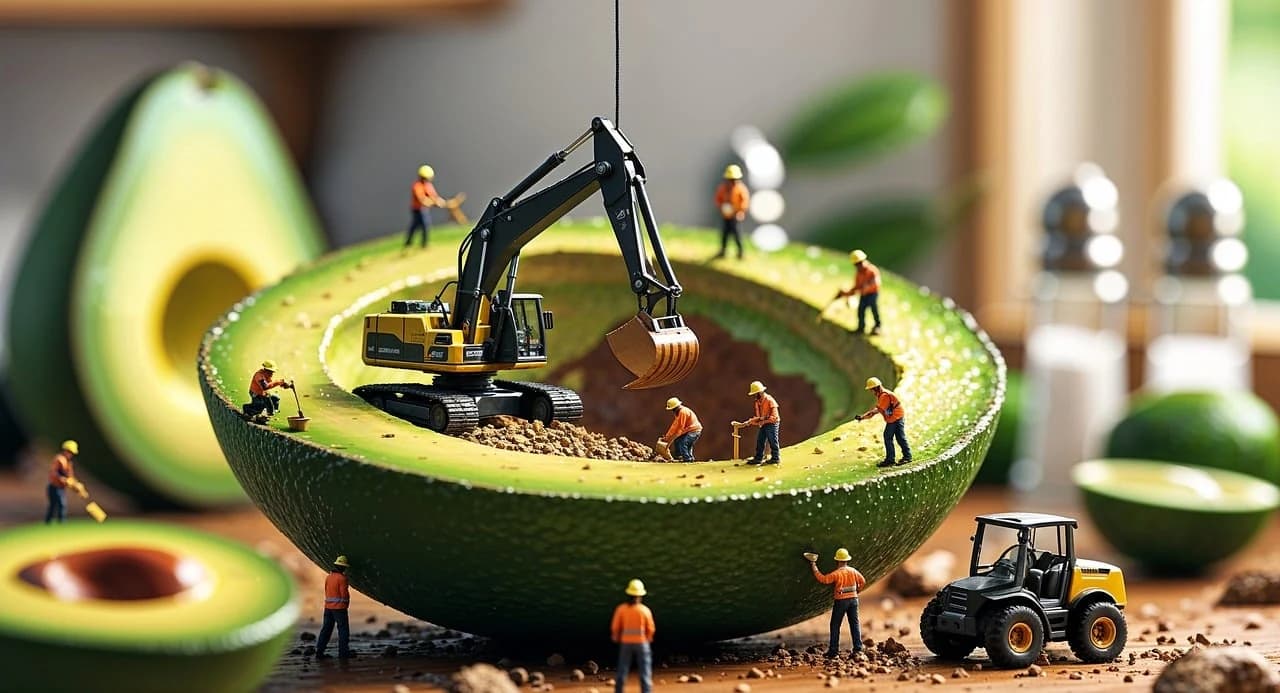
An avocado under construction
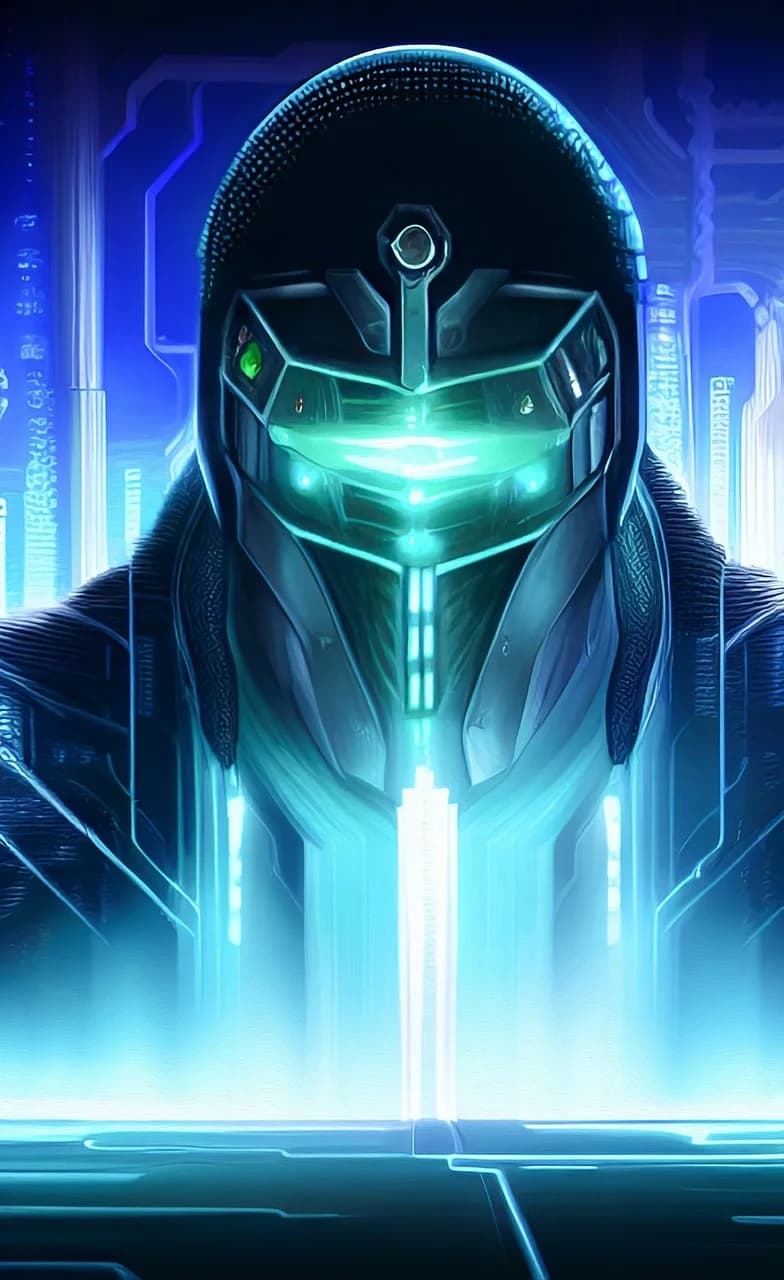
Neon sentinel

Gardens in the clouds
Liquid light

An original manga panel
A face in future light

A portrait in fragments

An anime daydream

A surreal food study

Prismatic geometry
Choose the model for the job.
Compare current image, video and avatar models by input type and the controls available in Studio.

Seedream 5.0 Flash
Text → image · image → imageCreate from a prompt or edit using reference images.
Up to 10 input images · 1K / 1.5K / 2K options · PNG / JPEG
Seedance 1.0 Pro Fast
Text → video · image → videoAnimate a prompt or a still reference.
24 fps · 2–12 sec · 480p / 720p / 1080p options
LongCat Image
Text → image · image → imageCreate from a prompt or edit one reference image.
Text-to-image uses the provider-defined output size, which may vary. Edits follow the reference dimensions.
LongCat Video
Text → video · image → videoGenerate video from a prompt or a single reference image.
15 fps · 5 or 10 sec · 480p / 720p options
LongCat Avatar
Portrait + audio → avatarTurn a portrait and audio sample into an animated avatar video.
480p output · optional expression or motion instruction
Choose a mode. Shape the result. Make it yours.
Start with image, video or avatar. The Studio shows supported inputs, model controls and the credit quote before you create.
- 01
Choose a creative mode.
Use Image or Video with a prompt and supported reference media, or Avatar with a portrait and audio.
- 02
Select a model and settings.
Choose from the models available in that mode and adjust only the controls each model supports.
- 03
Review the quote, then create.
Check the credit cost before starting. Track the job and open its finished output from Studio history.
Start free. Scale when ready.
Pick a plan that matches how often you want to render. Switch or cancel any time.
Each figure is a separate maximum if all credits are spent on that output type: Seedream 5.0 Flash (6 credits/image), Seedance 1.0 Pro Fast (480p, 2s; 4 credits/video), and LongCat Avatar (480p; 150 credits/avatar). Actual usage varies by model and settings.
FAQ
Everything you need to know about creating with LongCat.
Your next idea starts in Studio.
10 credits on sign-up. No credit card required.